
Premise
Turbo Frames are a great way to compartmentalize your user interface, but sometimes they require workarounds when it comes to state management.
One example of such a requirement is when you have to handle a form on your page that refers to <input>’s in separate <turbo-frame>s.
Starting Point
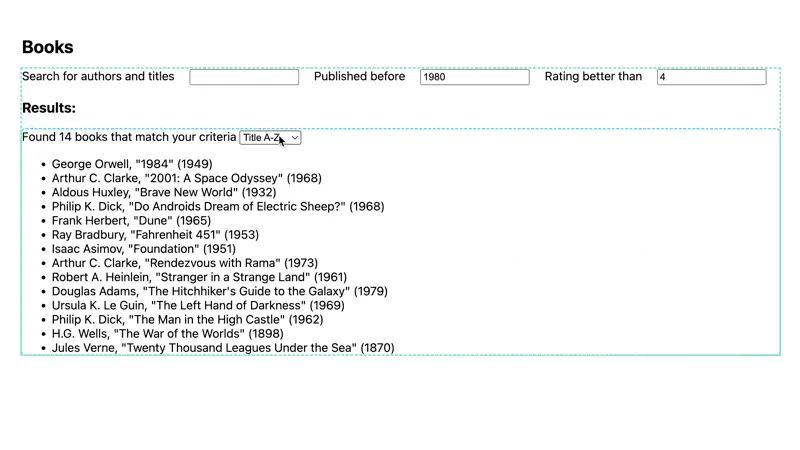
We’re building upon the Faceted Search with Stimulus and Turbo Frames challenge here, but add a new requirement: Search results should also be sortable by publication year, author name (first name in this case) and book title.
Remember that this uses a single Stimulus controller to wrap a form and swap a Turbo Frame’s contents to filter the results.
Challenge
The goal is not to alter the Stimulus controller at all. We want to just append a new query parameter, sort.
This query parameter could for example be set to
name_ascname_desctitle_asctitle_desc.
Now I’m going to require a bit fantasy from you, because we are going to look at the NodeJS part of our example here on Stackblitz. I’ve implemented the actual sorting in pure JavaScript here - you have to imagine that in fact we are looking at a Rails controller:
https://stackblitz.com/edit/turbo-frames-external-forms?file=index.js%3AL101
This is sorted list is wrapped in a Turbo Frame inside the server response. What’s missing is the configuration of a select box that should
- hold an option for every sort parameter and direction
- somehow refer to the
<form>that’s outside the Turbo Frame, here (?! 🤯)
To try this out you’ll have to kill the node server in Stackblitz and restart it with npm start.
Here’s a preview of the result:
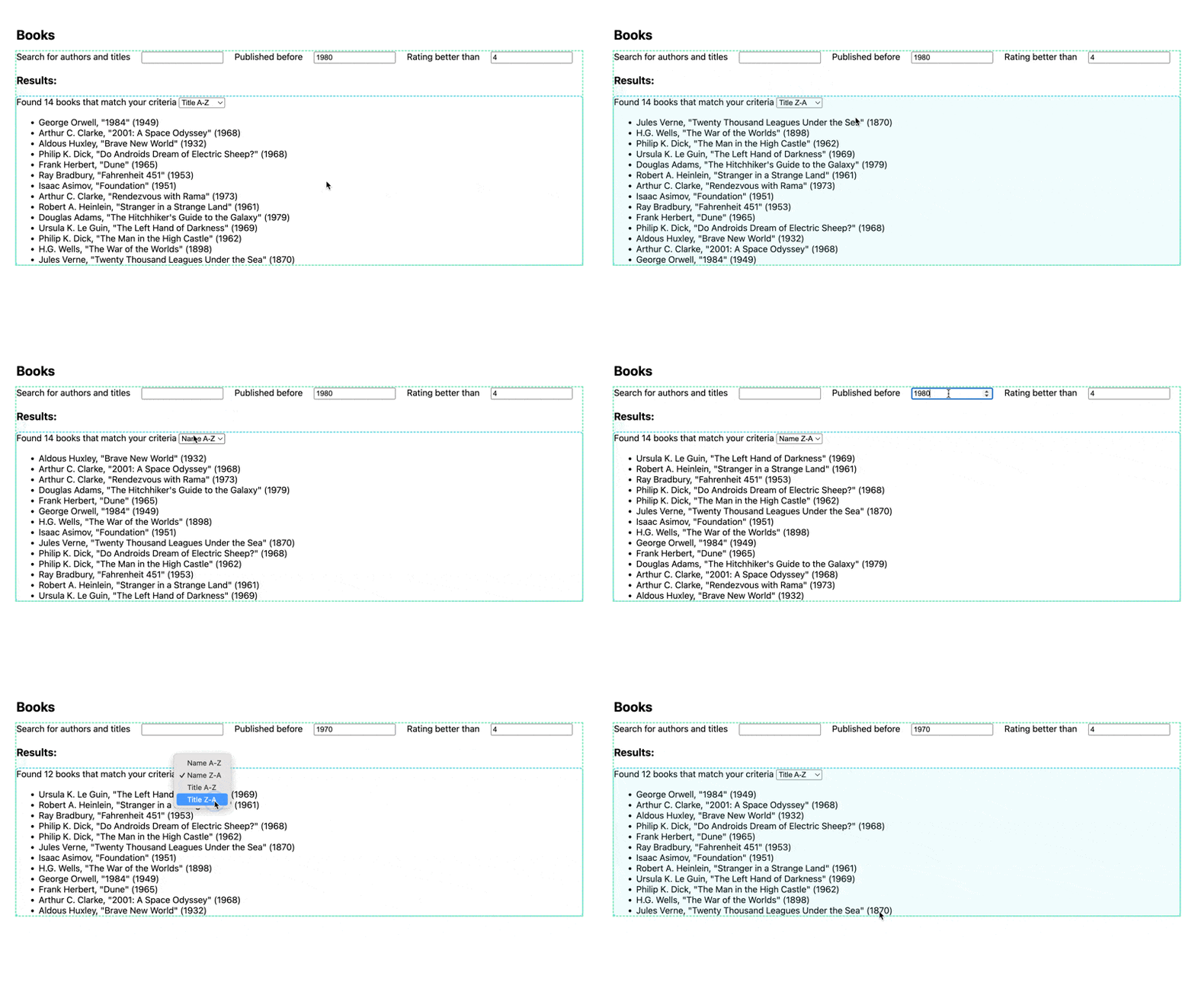
Granted, this is a bit of a contrived example (we could just hoist the sort dropdown to the form), but there will be other, more complex views where you’ll be glad you know about this approach. For example, you might want to reuse the turbo frame with sorting in other contexts.
Hint: Look up a form input’s possible attributes on MDN!