
Premise
This is the third installment in our View Transitions series. In Challenge 35 we built swiper-like page transitions with Turbo Drive, and in Challenge 38 we animated list appends with Turbo Streams. What we haven’t covered yet is the shared element transition, the one you know from native apps where a thumbnail in a grid smoothly morphs into the hero image on the detail page.
The View Transitions API makes this surprisingly straightforward. When two elements on different pages share the same view-transition-name, the browser automatically interpolates between their position, size, and appearance during a navigation. You don’t need a JavaScript animation library or manual coordinate math - you assign a name, and the browser handles the rest.
There’s one important constraint to keep in mind, though: that name must be unique per page. If two elements share the same view-transition-name at the same time, the entire transition aborts silently. In a gallery grid with dozens of thumbnails, that’s something you’ll need to think about.
Starting Point
We have a simple photo gallery. The index page shows a grid of cards, each with a thumbnail image and a title. Clicking a card navigates to a detail page that shows the same image enlarged as a hero, plus a body of text.
View Transitions are already enabled via the meta tag:
https://stackblitz.com/edit/turbo-drive-shared-element-transitions?file=index.html%3AL6
Right now, navigating between the index and a detail page triggers the default cross-fade, because no view-transition-name is set on any element yet. The stylesheet already contains some basic transition configuration, but it’s waiting for the names to be wired up.
Challenge
Make the clicked card’s image smoothly morph into the hero image on the detail page, and back again when the user navigates with the browser back button.
Two things need to happen:
-
Assign a unique
view-transition-nameto each card image on the index page. Each image needs its own name, because names must be unique per page. If two images share the same name, the transition breaks silently. Hint: inline styles are the cleanest way to bind a dynamic name to a DOM node. -
Give the detail page’s hero image the same name as the card it came from. When the browser sees the same name disappearing on the old page and appearing on the new one, it creates the morph animation automatically.
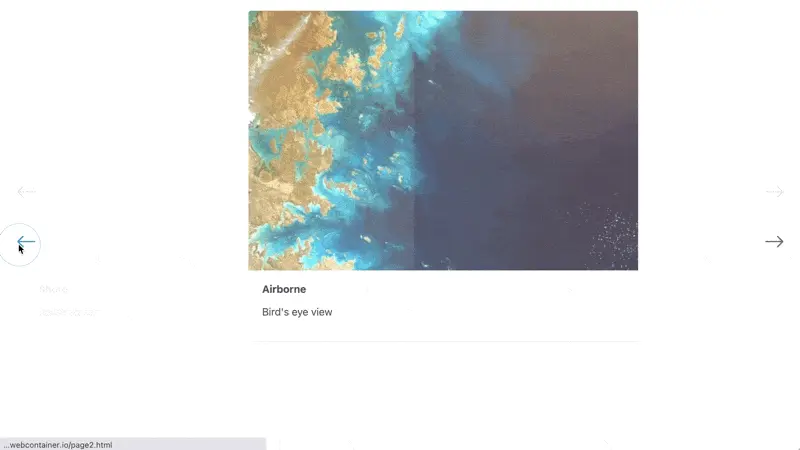
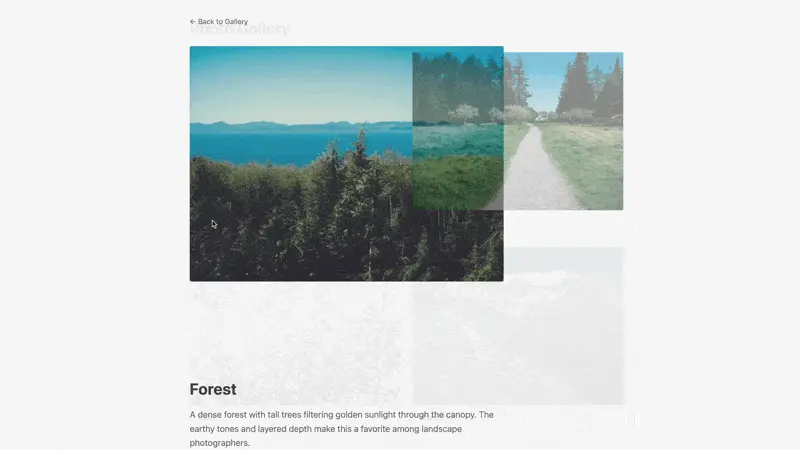
Here’s what the result looks like - the thumbnail lifts out of the grid, scales up, and settles into the hero position on the detail page. Navigating back reverses the animation.

Reminder: the Node server simulates a Rails backend. If you make changes to index.js, restart with npm start.
Teaser
What happens when the user navigates backward? The morph plays in reverse by default, which already looks good. But you can go further: Turbo sets a data-turbo-visit-direction attribute on the <html> element during rendering. Try using it to apply a different easing curve or duration for the reverse transition, so that returning to the grid feels distinct from opening a detail page.
Caveat
The uniqueness constraint on view-transition-name is strict. If the same name appears on more than one element at any point during the transition, the browser aborts the entire animation and falls back to a hard cut. This is easy to trip over in a gallery - if your index page renders 20 thumbnails and you give all of them view-transition-name: hero, nothing will animate. Each card image needs its own scoped name.
In a Rails context, this maps naturally to the model ID: style="view-transition-name: photo-<%= photo.id %>". On the detail page only one hero image exists, so there’s no collision risk - just make sure the name matches the one from the index.
One more thing to watch for is Turbo’s page cache. If a cached version of the index page has view-transition-name set on elements that are also present in the incoming page, you might get duplicate names during the snapshot restoration. Test with caching enabled to make sure your transitions survive the round trip.