
Premise
In Challenge 19 — building on Challenge 8 (inline stream tags) and Challenge 9 (custom actions) — we stored ephemeral state in localStorage. That worked, but the browser’s Back and Forward buttons don’t know about it. Hit Back after switching versions three times? You leave the page entirely.
history.pushState() fixes this — but the part most people overlook is the first argument: the state object. It stashes data directly in the history entry. When the user hits Back, popstate hands that object back in event.state. No URL parsing, no guessing — your Stimulus controller reads the state and knows exactly what to restore. The URL is for the user and for refresh; the state object is for your JavaScript. One human-facing, the other machine-facing.
Today we’re building a custom push_state stream action (the server pushes URL and state) and a Stimulus controller that reads it back on popstate. TurboPower ships this out of the box — here we’re building it from scratch.
Starting Point
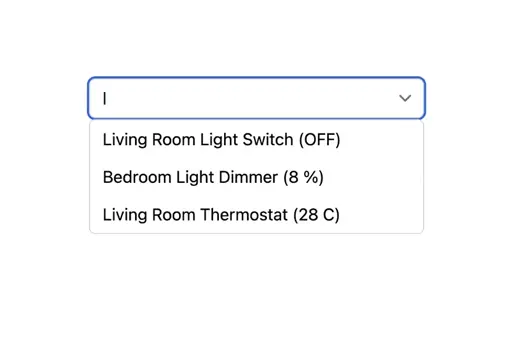
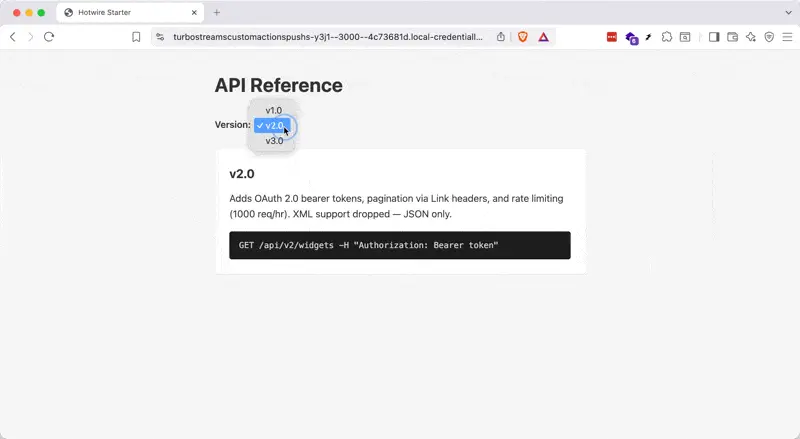
We have a documentation page with a version selector — a <select> dropdown that lets you switch between v1.0, v2.0, and v3.0 of an API. The selector lives inside a Stimulus controller (version-selector), and the whole thing is wrapped in a form with data-turbo-stream set to true — which tells Turbo to send an Accept: text/vnd.turbo-stream.html header, so the server knows to respond with Turbo Stream actions instead of a full HTML page.
The server is a small Express app standing in for a Rails backend. The GET /versions/:version route does what a Rails controller with respond_to { |f| f.turbo_stream } would do: it checks for switch or restore params, sets Content-Type: text/vnd.turbo-stream.html, and returns a string of <turbo-stream> tags. If you make changes to index.js, restart with npm start.
The server is ready to respond with Turbo Streams that replace the content area and the selector itself — but nothing works yet. That’s your job.
The server already handles a ?version= query parameter on full page load — that part is done. What’s missing is the pushState/popstate wiring.
Challenge
Two files need work — app.js for the custom stream action, and the version_selector_controller.js for the Stimulus side:
-
Register a
push_statecustom stream action in app.js. The server already includes a<turbo-stream action="push_state">tag in its response, withurlandstateattributes. Your action should read both and callhistory.pushState(state, "", url). Thestateattribute is JSON — it carries the restore URL that the Stimulus controller will need later onpopstate. Theurlattribute is what the user sees in the address bar. -
Implement
navigatein the Stimulus controller. When the user picks a version from the dropdown, update the form’s action to the selected value and submit it. The form already hasdata-turbo-stream, so this triggers a Turbo Stream response. Disable the select while the request is in flight to prevent double-clicks. -
Implement
restorein the Stimulus controller. This method is wired topopstate@windowin the controller’s action descriptor. When the user hits Back or Forward, the browser hands you the state object you stashed earlier — it’s sitting right there inevent.state.restoreUrl. Useget()from@rails/request.jswithresponseKind: "turbo-stream"to fetch that URL. Notice: the restore URL already hasrestore=1baked in, which tells the server to skip thepush_statestream tag — otherwise you’d push a new history entry on every Back press, creating an infinite loop.
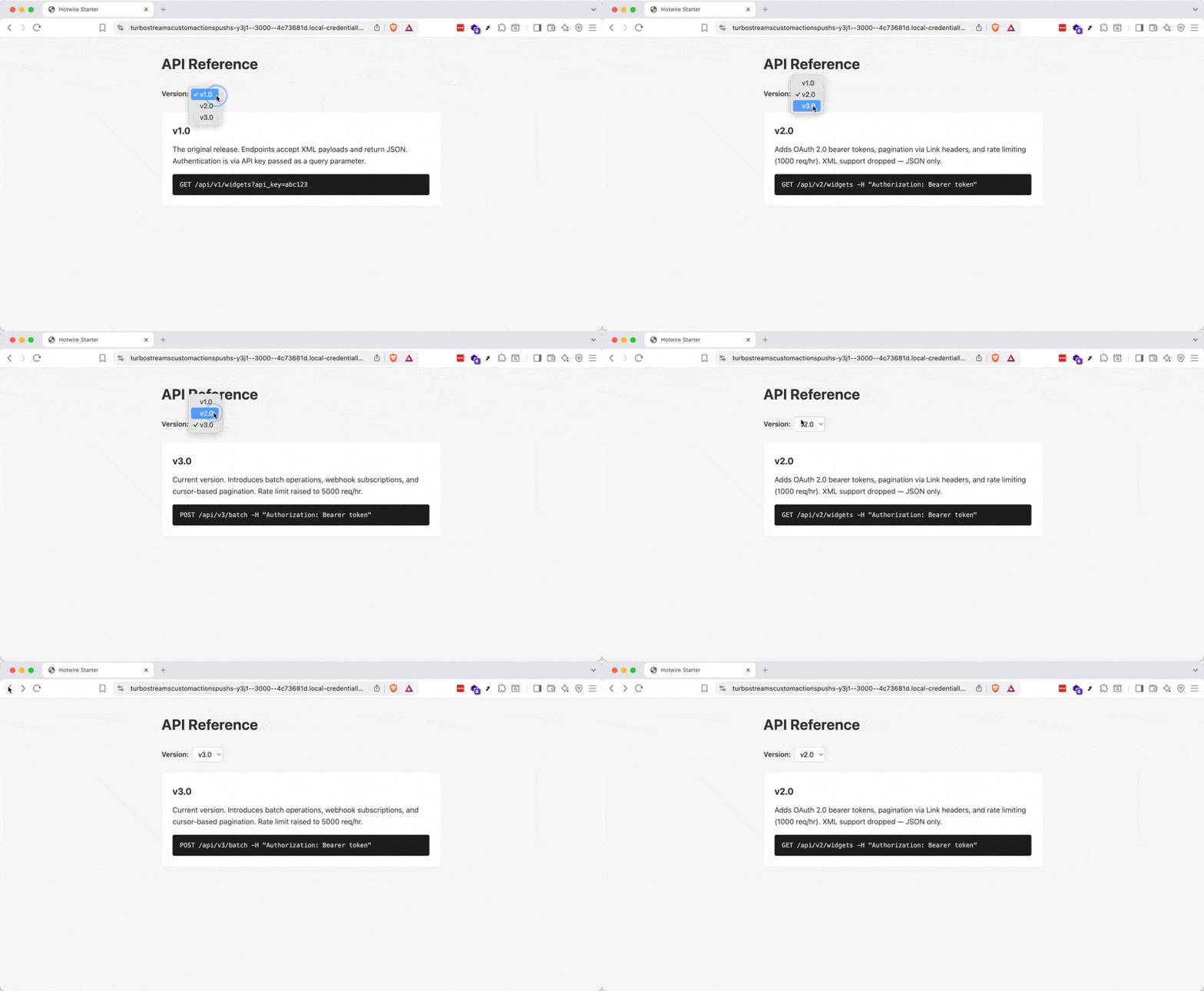
Here’s the end result — note the URL changing with each version switch, and Back/Forward restoring the correct version:
Teaser
Now that you’ve built push_state from scratch, try dropping in TurboPower and replacing your hand-rolled action with theirs. What would it take to combine this pattern with Turbo’s morphing and page refreshes?
Caveat
A common stumbling point: popstate only fires on actual Back/Forward navigation, never when you call pushState(). The forward direction (user picks a version) is handled by the stream action; the backward direction (user hits Back) is handled by the Stimulus controller’s restore method. Two different mechanisms, one unified UX.