
Premise
Turbo Frames can be lazily loaded triggered by an IntersectionObserver, as is probably widely known. But aside from optimizing our page load performance, we can also utilize their lifecycle to trigger custom interactions.
Challenge
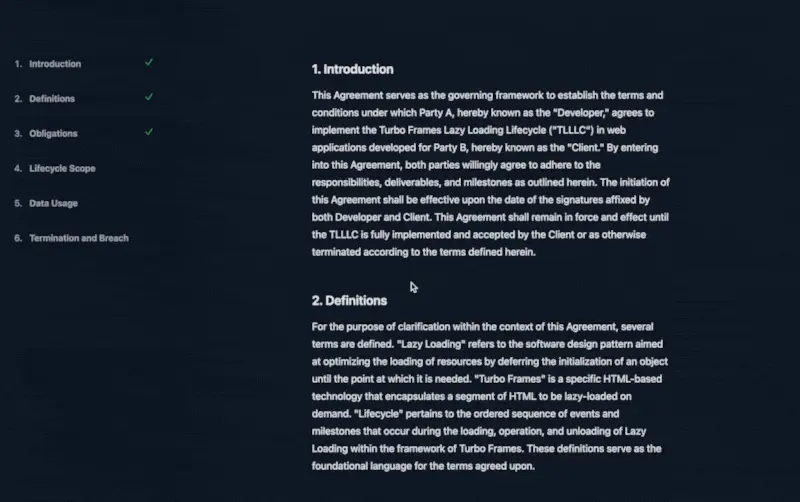
In this challenge, we are looking at a mock legal document, with a fixed TOC on the left (careful, this is hidden on a mobile device!) and some scrolling content on the right. Each paragraph is wrapped in a lazy-loaded frame, for demonstration purposes.
Using Stimulus and Turbo Frame’s events, we want to toggle each frame as “seen” in the TOC once it has finished loading.
Your entrypoint is the user-interaction Stimulus controller’s markAsSeen action:
Implement a behavior that will
- toggle the
seenValue, and - add a check mark (provided as a string)
You will have to also declare the correct action listening on the correct event in the <li> in the markup:
https://stackblitz.com/edit/turbo-frames-lifecycle?file=index.html%3AL71,controllers%2Fuser_interaction_controller.js
Here’s a rendering of the final result:

Some references you might want to take a look at:
https://stimulus.hotwired.dev/reference/values
https://turbo.hotwired.dev/reference/events
Caveats
Make sure to add the checkmark only once!
Teaser
How would you implement sending a PATCH request to the server that toggles the read status for each paragraph?